code-anything.com
Sign inStart free
Marketing

ClipCraft

A paper-white SaaS landing for a browser video editor, in the register of Descript and Runway: the editor itself as the hero (transcript, captioned frame, four-track timeline), a customer strip, a bento of working AI tools, numbered use cases with footage, hard numbers, named quotes, four plans and an FAQ.

Browser-based video-editing SaaS products

clip-craft.code-anything.app

New: auto-reframe now follows up to four speakers in one shot.Read the release notes

Browser video editor

The whole edit, in one browser tab.

ClipCraft turns your recording into a transcript you can cut like a document, captions it in 40 languages, reframes it for every feed and renders 4K in the cloud. Nothing to install.

Free plan, no card · Chrome, Edge, Firefox and Safari

Pottery, episode 12SavedExport
REC 4K00:00:21:08and then the whole pot collapsed

Used by 2.4 million creators and by the video teams at

  • Fieldnote Media
  • kestrel/systems
  • Halcyon Studio
  • Parallel
  • Oakline
  • Northbeam

The editor

Everything between record and publish.

Transcription, captions, sound, reframing and render live in one project, so nothing is exported, re-imported or lost between apps.

Edit the words. The video follows.

Every recording becomes a transcript. Delete a sentence and the cut is made; drag a paragraph and the scene moves with it. The timeline is still there when you want frames.

Mara · 00:00:14

So, um, I centred it, opened it up and pulled the walls three times. Like, it looked perfect.

Mara · 00:00:19

One pull too many, uh, the rim went soft and then the whole pot collapsed right onto the wheel.
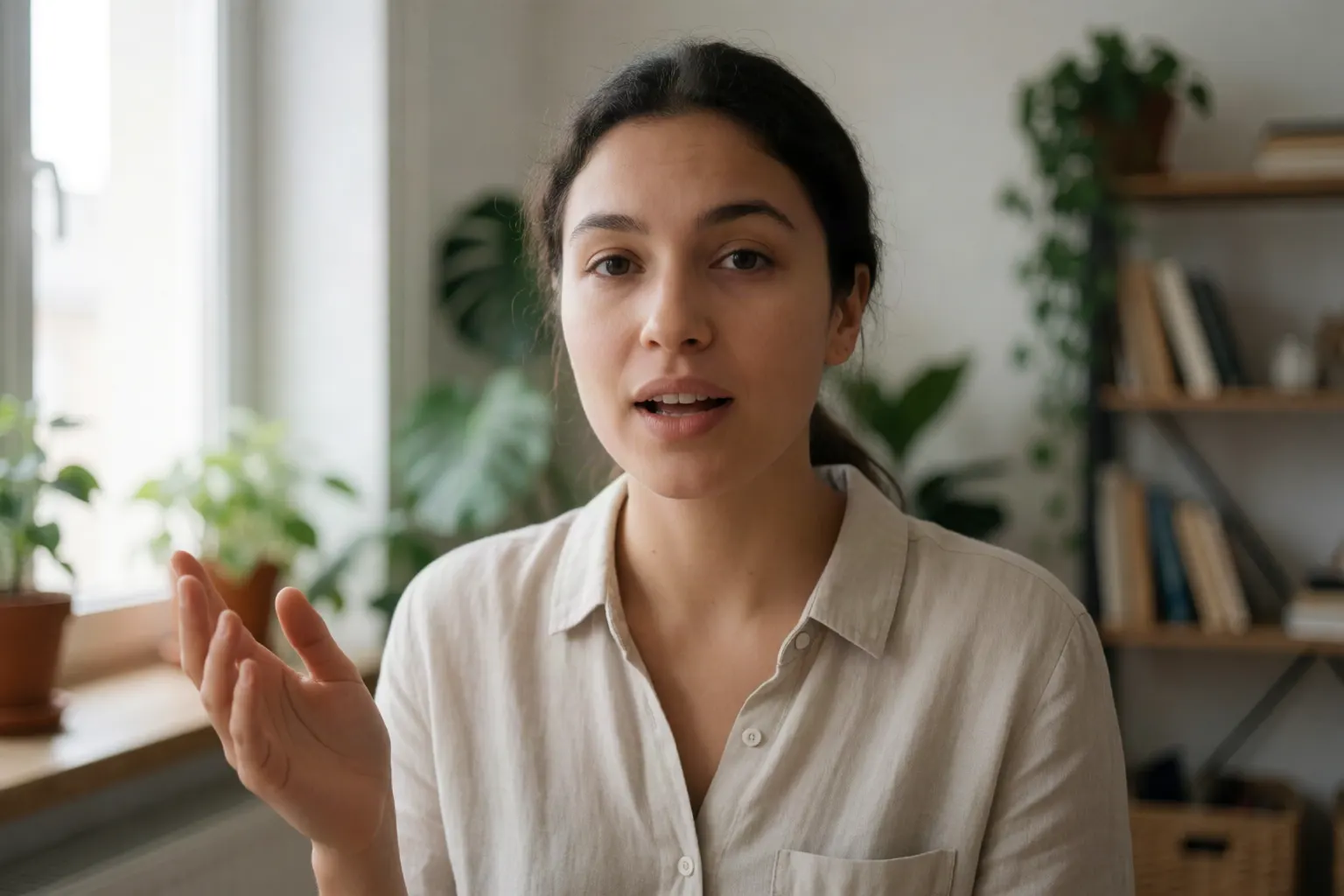
Captions that keep up

Word-timed captions in 40 languages, styled once and reused on every video.

A creator explaining something to camera, captioned with the current word highlightedthe one thing to remember
KaraokeBoldMinimalLower third

Studio Sound

Removes room echo, hum and traffic, and levels every voice to −16 LUFS.

Original kitchen, fridge hum
Studio Sound −28 dB noise floor

Auto-reframe

Turns a 16:9 master into 9:16, 1:1 and 4:5, keeping whoever is talking in frame.

The 16:9 pottery shot with a 9:16 crop box locked on the potter's hands

Filler words, gone

Finds every um, uh and long pause. Review them one by one, or remove them all at once.

  • um23
  • uh9
  • like6
  • pauses over 1 s14

Render in the cloud, keep working.

Exports run on our GPUs while you start the next cut. A 4K master of a 48-second episode renders in about two minutes, whatever laptop you are on.

  • ep12_master4K · H.264 · 16:9Done 2 m 10 s
  • ep12_clip031080p · H.264 · 9:160 m 41 s
  • ep12_audioWAV · −16 LUFS—

Use cases

One editor for every kind of video.

Creators, podcast networks and marketing teams use the same project, the same transcript and the same render queue.

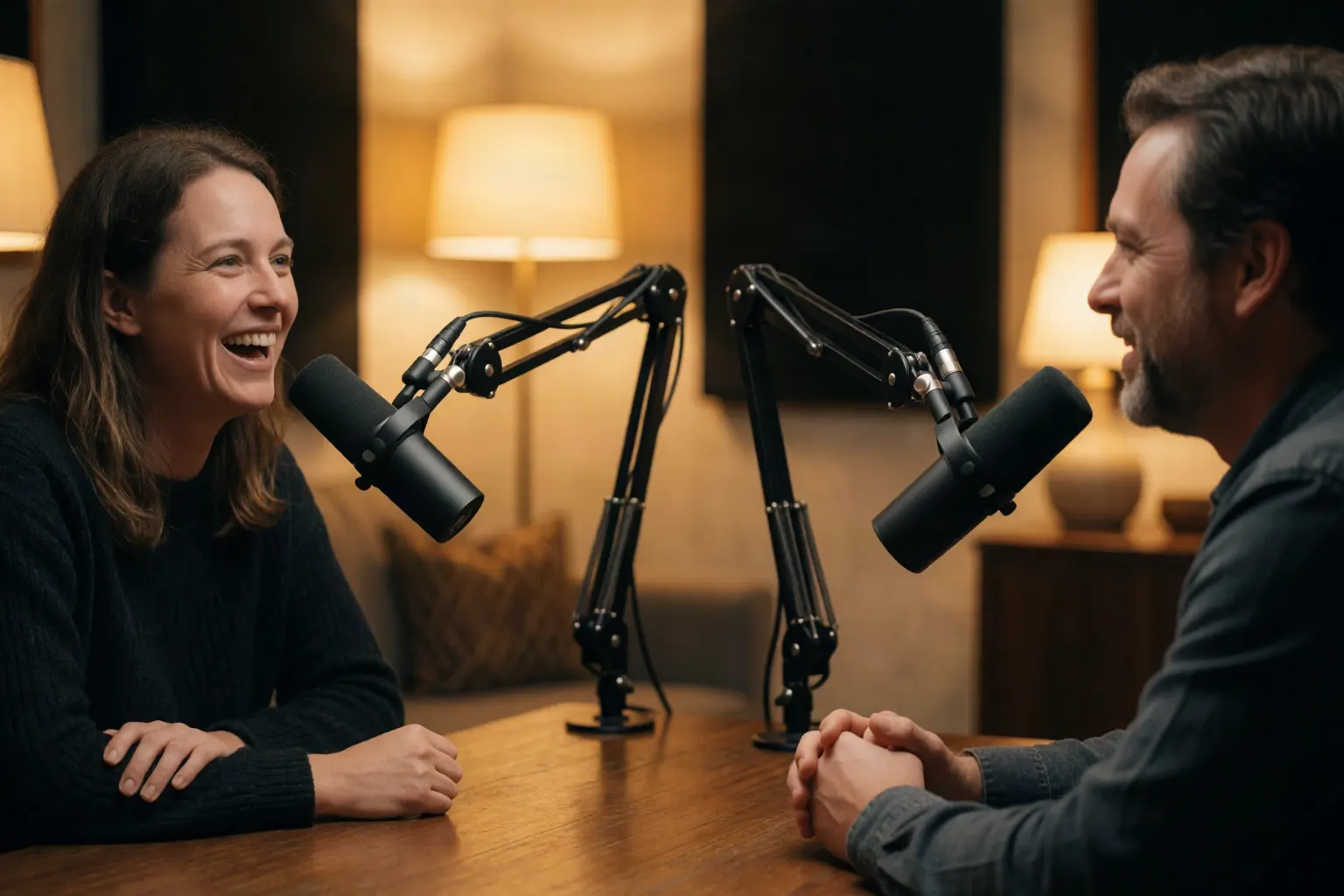
Two podcast hosts laughing at a wooden table, each speaking into a black broadcast microphone on a boom arm, warm lamps behindwe almost didn’t record this one
EP 48 · Multicam, 2 speakers01:12:40 → 00:58:02 after cut
A potter’s hands lifting away from a wet clay cylinder on the wheel as its rim folds overand then the whole pot collapsed
Clip 3 of 11 · score 9200:00:38 · 9:16 + 1:1
A creator in a linen shirt explaining something to camera with an open hand, plants and a bookshelf behind herstart with the one thing they should remember
Lesson 4 · Chapter 2 of 5Captions: EN, ES, DE, JA
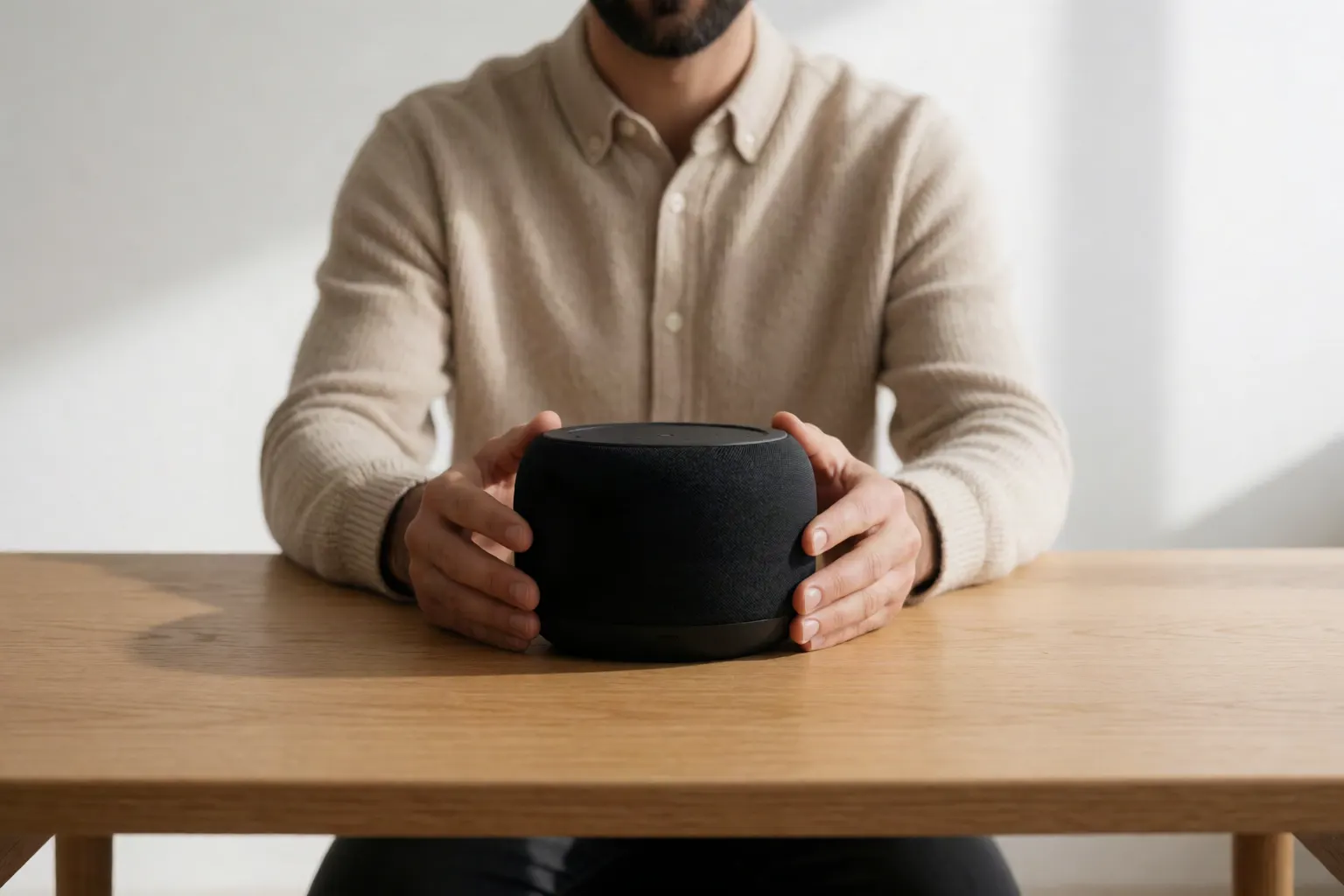
A designer’s hands holding a matte black fabric speaker on a light oak table against a white wallthirty hours on a single charge
Launch film · v7, approvedBrand kit: Studio Grey

By the numbers

Less time in the timeline. More videos out the door.

  • 3.4×faster to a first cut than a desktop timeline*
  • 40caption and translation languages
  • 4K60cloud render, no local GPU needed
  • 99.1%transcript word accuracy in English

*Median time from upload to first exported cut across 18,000 projects, July to September 2026.

“We cut a ninety-minute interview into eleven clips before lunch. The transcript is the timeline now.”
Priya RamanHead of Video, Fieldnote Media
“Our sales engineers record a demo in the morning and ship it captioned in four languages by the afternoon. Nobody installed anything.”
Tomás IbarraEnablement Lead, Kestrel Systems
“Studio Sound rescued a season we recorded in a kitchen. You can’t hear the fridge anymore, and you can still hear us.”
Ama OwusuHost, The Long Table

Pricing

Start free. Upgrade when you publish more.

Prices per month, billed yearly. Monthly billing costs 20% more. Every paid plan starts with a 14-day trial.

Free

For trying ClipCraft on a real project.

$0forever

Start free
  • 720p exports, no watermark
  • 60 min of transcription a month
  • Auto-captions in 40 languages
  • 5 GB of storage
Most popular

Creator

For people who publish every week.

$15per month

Start 14-day trial
  • 4K exports
  • 10 h of transcription a month
  • Studio Sound and filler-word removal
  • Brand kit and caption styles
  • 100 GB of storage

Team

For content and marketing teams.

$30per seat / month

Start 14-day trial
  • Everything in Creator
  • Shared projects and brand kits
  • Review links with timecoded comments
  • Unlimited transcription
  • 1 TB per seat

Enterprise

For studios and regulated companies.

Customyearly

Talk to sales
  • SSO, SAML and SCIM
  • SOC 2 Type II report
  • EU or US data residency
  • Dedicated render capacity
  • Invoiced billing

SOC 2 Type IIGDPR, EU data residencySSO and SCIM on EnterpriseYour media never trains models

FAQ

Questions before you start.

Something else? Ask our support team, usually answered within an hour.

Do I need to install anything?

No. ClipCraft runs in Chrome, Edge, Firefox and Safari 17 or later. Previews stream from our servers and exports render on our GPUs, so an older laptop edits 4K the same way a workstation does.

What happens to my footage?

Uploads are encrypted in transit and at rest, stored in the region you choose (EU or US), and never used to train models. Delete a project and its media is gone from our storage within 30 days.

Can I move projects in from Premiere Pro or Final Cut?

Yes. Import XML and EDL timelines with their media links, and export back to XML, EDL or AAF for audio when a project needs to finish elsewhere.

How accurate are the transcripts and captions?

English transcripts average 99.1% word accuracy on clear speech, and 40 languages are supported. Every word stays editable, and fixing it in the transcript fixes the caption.

How large can my files be?

Up to 50 GB per file, in H.264, HEVC, ProRes and most camera formats, at up to 4K and 60 fps.

Can I cancel at any time?

Yes. Monthly plans stop at the end of the period, and your projects stay readable and exportable on the Free plan.

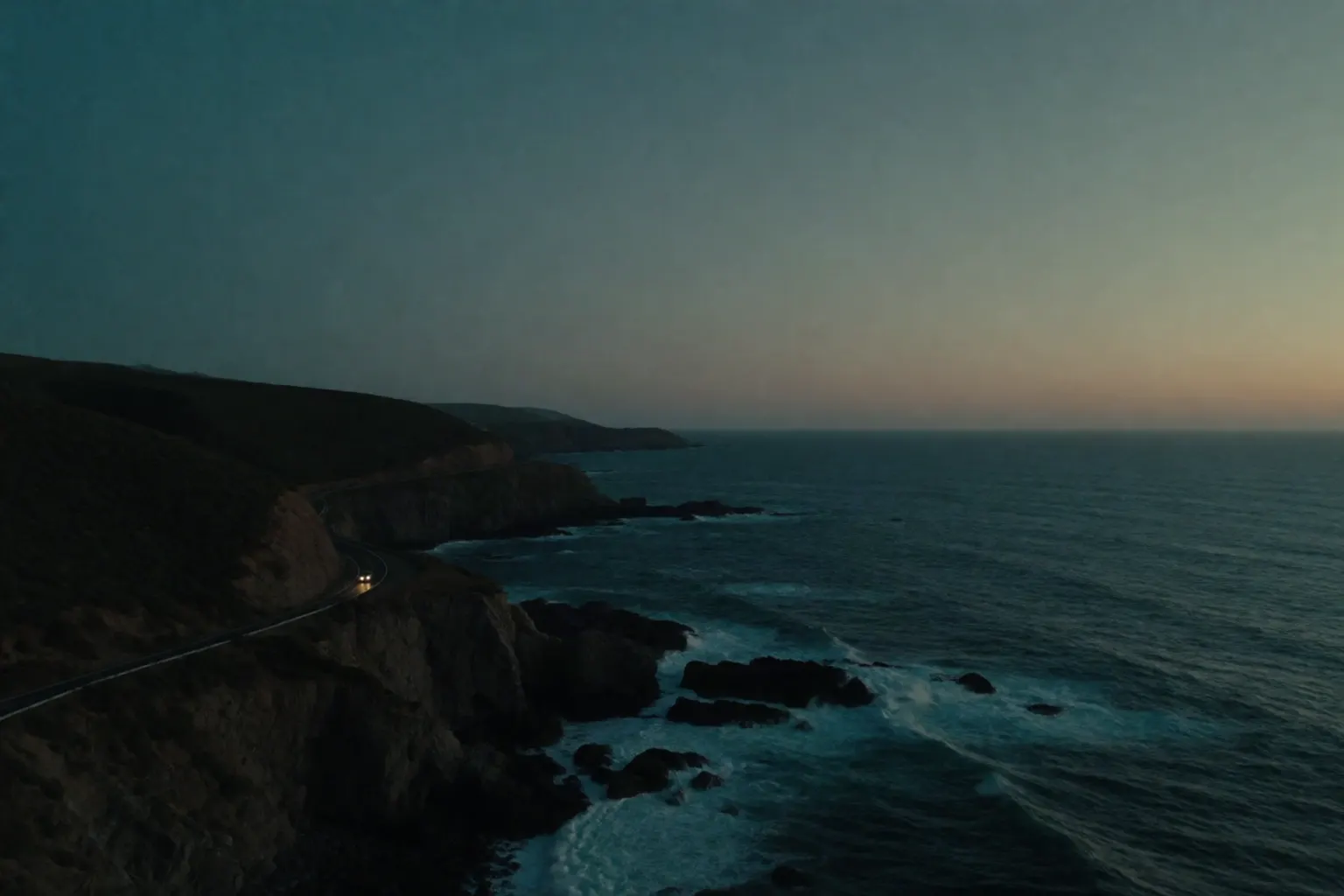
Aerial shot of a dark coastline at blue hour, one car's headlights on the cliff road

Your next video is one tab away.

Upload a recording and have a captioned first cut before your coffee is cold.

About ClipCraft. A category-leading creator SaaS: calm paper-white page, near-black type, and the editor itself carrying the pitch.

ClipCraft sells a browser video editor the way the category leaders (Descript, Runway, CapCut, Kapwing) sell theirs: a centred promise, then the product doing the work. The hero is a full dark editor window on a warm paper-white page: a transcript with struck-out filler words and an indigo selection, a preview of real footage with a word-timed caption, and a timeline of caption, filmstrip, voice and music tracks under a record-red playhead, with a filler-word card and a 9:16 reframe floating over its edges. Below: a customer strip; a bento of tools drawn as working UI (text-based editing, caption styles, a before/after Studio Sound waveform, an auto-reframe crop box, a filler-word tally and a cloud render queue); an inverse band of four numbered use cases whose footage switches with CSS-only radio tabs; four key figures with their source; three quotes from named people; Free / Creator / Team / Enterprise plans with a trust line; an FAQ; and a closing card over cinematic aerial footage. One record red for start actions and the playhead, one selection indigo for the word under the cursor, and the editor and footage stay dark in every preset, as they do in the product.

Colours and type. The palette, fonts and corners every page of ClipCraft is drawn from.

bg#F6F5F2
surface#FFFFFF
text#141318
muted#5C5A63
accent#CB311C
accent2#4433E0
border#E4E2DC
Headings

Geist

Body

Geist

Radius

14px

The system, applied to any site. Every rule below travels with the template — describe your tweaks and the agent keeps the system intact.

What it decides for you

  • Sell it the way the category leaders do (Descript, Runway, CapCut, Kapwing): a centred one-line promise, then the real editor as the hero, a customer strip, tools shown as working UI, use cases with real footage, numbers with their source and plain plans. Nothing playful, no illustration standing in for the product.
  • Warm paper-white ground (#F6F5F2), white cards (#FFFFFF) with hairline borders, near-black type (#141318); one inverse near-black band for the use cases. The editor chrome and all footage stay dark in every preset, as they render in the product.
  • Two accents with fixed jobs: record red (#CB311C) only for primary "start" buttons, the record dot, the playhead and the mono eyebrows; selection indigo (#4433E0) only for the selected transcript words and the karaoke caption word. Everything else is ink and grey.
  • Geist 600 with tight tracking (−0.04 to −0.05em) for headlines and figures, Geist for body, Geist Mono for timecodes, file names, eyebrows and render specs, with tabular figures.
  • Draw the product with HTML, CSS and inline SVG over real footage stills: transcript with struck-out filler words, word-timed burned-in captions, a filmstrip video track, waveforms, a 9:16 crop box, a render queue with progress bars. Never a screenshot of a real editor.
  • Footage is cinematic photography that looks like real projects (a video podcast, a creator talking to camera, a product film, a craft close-up, aerial b-roll). Generate it; never hot-link stock photos.
  • CSS-only interaction: the use-case list is a radio group whose footage panel switches with :has(), and the FAQ is <details>. The hero rises in once and the record dot blinks; both stop under prefers-reduced-motion.
  • Colours come only from the --ca-* tokens and color-mix(), with container queries for layout so the page holds in a card, an iframe or a full window.

Ships with

  1. Black announcement bar (new feature + release-notes link) over a sticky translucent nav: logo, Features / Use cases / Customers / Pricing / Enterprise, Sign in, red "Start for free"
  2. Centred hero: red mono eyebrow, "The whole edit, in one browser tab.", lede, red "Start editing free" and outlined "Watch the 2-minute tour", fine print; below, the dark editor window (transcript panel, captioned preview with REC and timecode, CC / V1 / VO / MX timeline with playhead) with a filler-word card and a 9:16 reframe phone floating over its edges
  3. Customer strip: "Used by 2.4 million creators and by the video teams at" + six fictional wordmarks
  4. Tools bento: text-based editing (wide, transcript with a selection toolbar), captions with style chips, Studio Sound before/after waveforms, auto-reframe crop box, filler-word tally, cloud render queue (full width)
  5. Inverse use-case band: four numbered tabs (Video podcasts, Social clips, Courses and explainers, Product and marketing) switching a captioned footage panel with project metadata
  6. Key figures (3.4×, 40, 4K60, 99.1%) with a sourced footnote, then three quote cards with initials, name, role and company
  7. Pricing: Free / Creator (Most popular) / Team / Enterprise with checklists, billed-yearly note and a trust line (SOC 2, GDPR, SSO, no training on media)
  8. FAQ (first open) beside a heading and support link
  9. Closing card over aerial footage: "Your next video is one tab away." with white and ghost buttons, then a five-column footer with a status line

Keep looking. More from the library, marketing first.

Browse all
MarketingAuroraA near-black, product-first SaaS landing in the register of Linear and Vercel: a big Inter headline over the real app built in HTML, numbered chapters (1.0 Previews, 2.0 Releases, 3.0 Analytics) each opening on a working UI fragment, isometric FIG figures, photographed customer proof and a plain pricing table.MarketingWarm ArtisanA quiet, editorial site for a sourdough bakery in the register of Poilâne and Tartine: a full-bleed oven-mouth hero with a live oven panel, product cards shot on linen, a ruled daily board with sell-out times, the shopfront at dawn, a 46-hour loaf timeline and a pre-order form.MarketingCoveA paper-light site for a neighbourhood bistro and wine bar, in the register of St. JOHN and Gramercy Tavern: documentary photography of the rooms, a boxed wordmark, the menu set as plain text with prices, and a booking widget beside the hours.MarketingCommon TableA credible charity homepage in the register of charity: water and City Harvest: a full-bleed documentary hero with the give form in it, a "Need a meal tonight?" bar, the year in figures, three programmes, one dark accountability band (where a dollar goes, what things cost, the audit and the 990), a story, volunteer shifts and a closing appeal.MarketingVitalPathA near-black, cinematic site for a boutique strength, flow and mobility studio in the register of Equinox and Third Space: full-bleed low-key photography, white uppercase extended headlines, square buttons, and a bookable timetable with places left as the centrepiece.MarketingOrvexaA paper-and-ink site for an independent brand studio, in the register of Collins, Pentagram and Koto: a centred serif statement over a large launch film, a staggered grid of case studies with measured results, a ruled list of programs with fees, one case told in depth on an ink band, the studio on an olive band and a short enquiry form.MarketingLiftoffA pre-launch waitlist page in the register of Linear and Superhuman: near-black, one email field above the fold, the product drawn as real UI over a pre-dawn horizon photograph, honest numbers, a wave-by-wave rollout table, a founder note and founding pricing.MarketingMeridianAn institutional homepage for an independent strategy firm, in the register of McKinsey, BCG and Oliver Wyman: a cinematic photographic hero with a large serif headline, firm figures, a featured-insights index, four practices, client impact with a numbered exhibit, an engagement timeline, partners, careers and offices.MarketingCadenceA white, outcome-first landing for a lifecycle-messaging platform for consumer subscription apps, in the register of Braze and Customer.io: lifestyle photography with the product UI floating over it, a logo wall, a full journey-builder screen, vertical use-case rows, holdout-measured results, the SDK and plan pricing.MarketingPipewell ReportA research-report campaign page in the register of Gong, Salesforce and HubSpot: a plum hero with the report cover and the lead form in the first screen, three headline findings drawn as charts, a chapter list beside a sample page, a live-readout sign-up, a quote with the methodology, and a closing capture band.The libraryAll 104 templates.Every category — stores, booking, portfolios, dashboards — in real code.

Make it yours in minutes.

Start from this template and describe your tweaks — content, sections, colours. The backend and deploy are handled.