

Animated

Kinescope

Kinescope is an experimental, film-projector template for launches that want the hero clip to play like a scroll-scrubbed reel. A pinned, sticky stage maps scroll progress onto the video's currentTime, so scrolling cranks the film forward and back one frame at a time, with a live frame counter and a scrubbable timeline overlaying the canvas. The whole thing sits on a warm, near-black 35mm surface with amber and safelight red-orange accents, sprocket-hole filmstrips, scanlines and grain — no photography, every visual is CSS gradients, shapes and inline SVG.

A warm, near-black cutting room — 35mm grain, projector amber and safelight red, where scrolling is the crank that turns the reel frame by frame.

kinescope.code-anything.app
◉ NOW SCRUBBING · FRAME-BY-FRAME LAUNCH FILM

Your launch,played by scrolling.

A cinematic projector-reel for product, film and hardware drops. The hero clip is scrubbed frame by frame as the visitor scrolls — every pixel of scroll cranks the film forward one step.

● REC
2.40:1 · 24fps
FRAME048072096120144168192216240216192168144120096072048024012036060084108132156/ 240
◉ SCRUB TIMELINEIN 00:00 · OUT 00:10
HOW IT WORKS

Scroll is the crank

Each notch of scroll advances the clip one frame. Here are four cells from the reel, stepping past the gate — no video, just the frame-by-frame feel.

FRAME 001

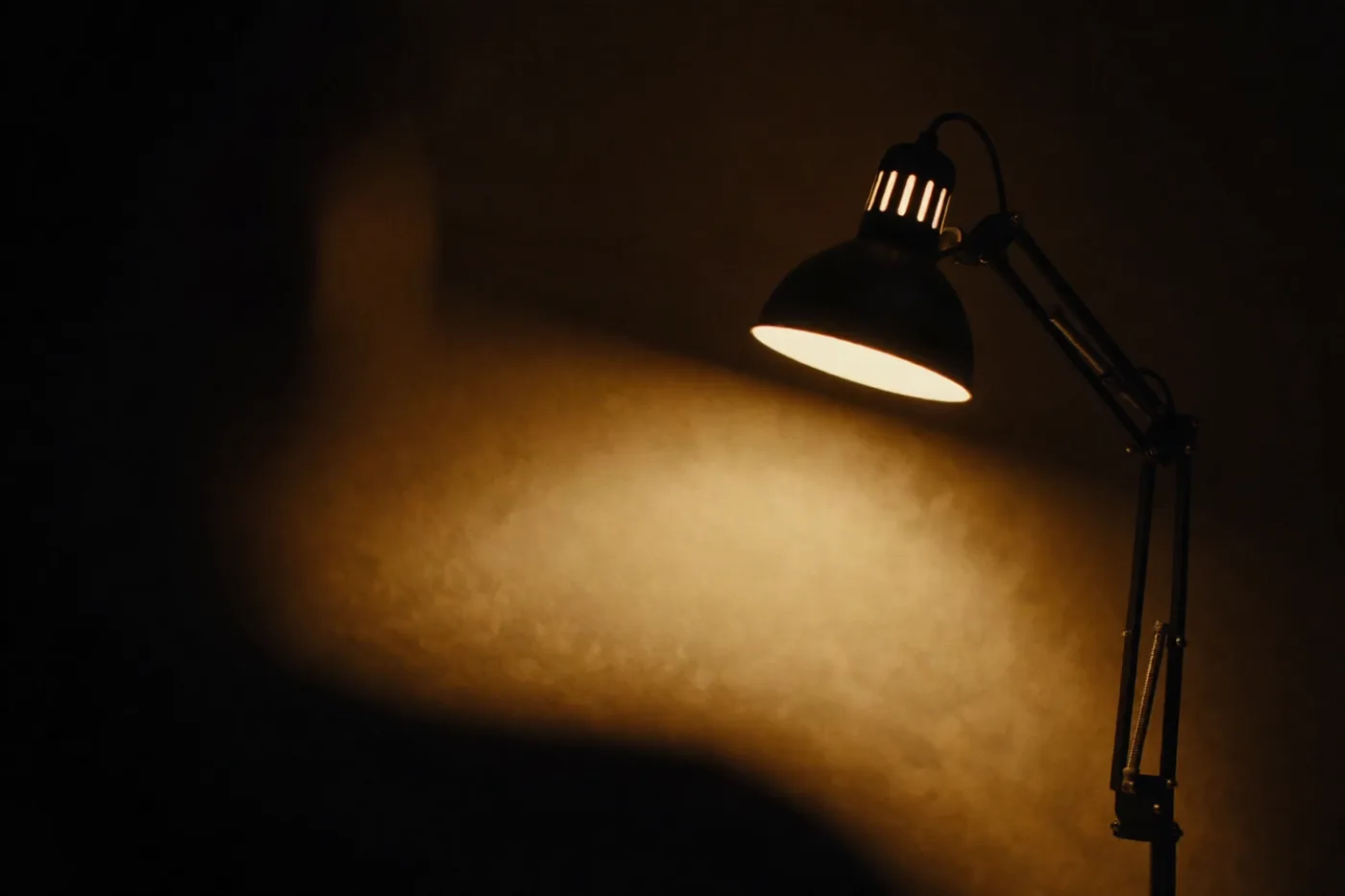
Black. A single amber filament wakes.

FRAME 080

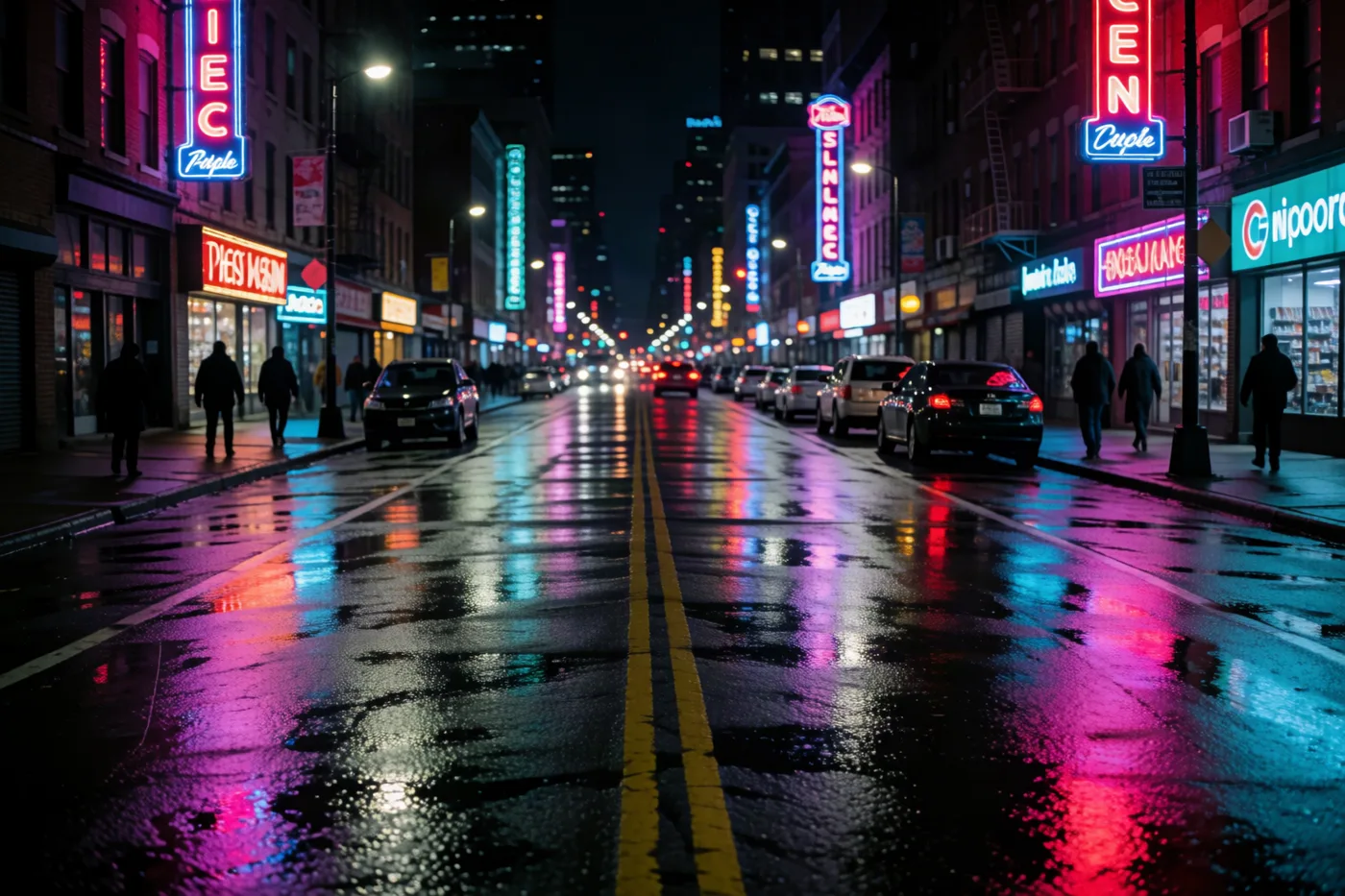
The gate opens — light floods the cell.

FRAME 160

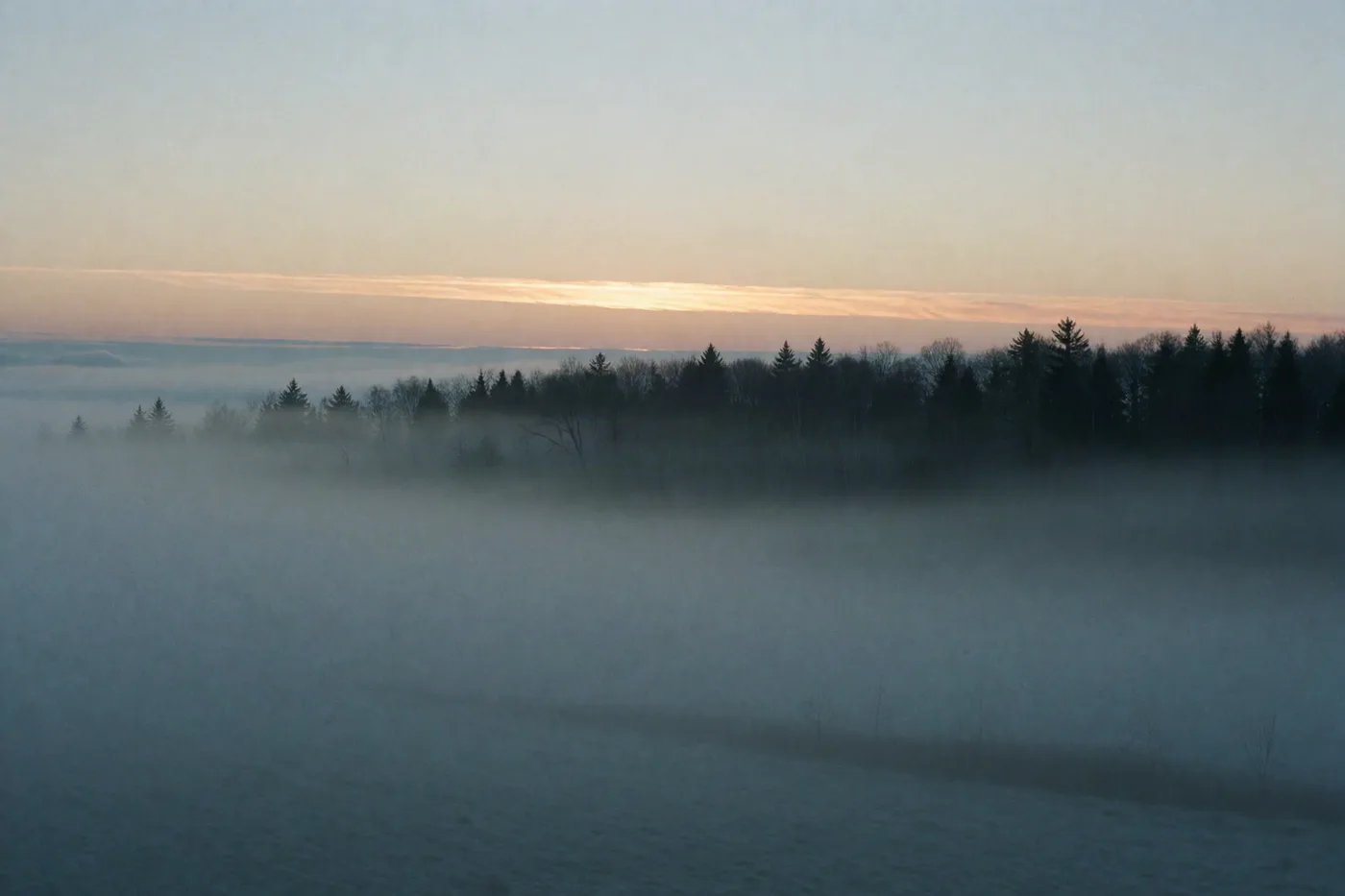
The subject turns into frame, in focus.

FRAME 240

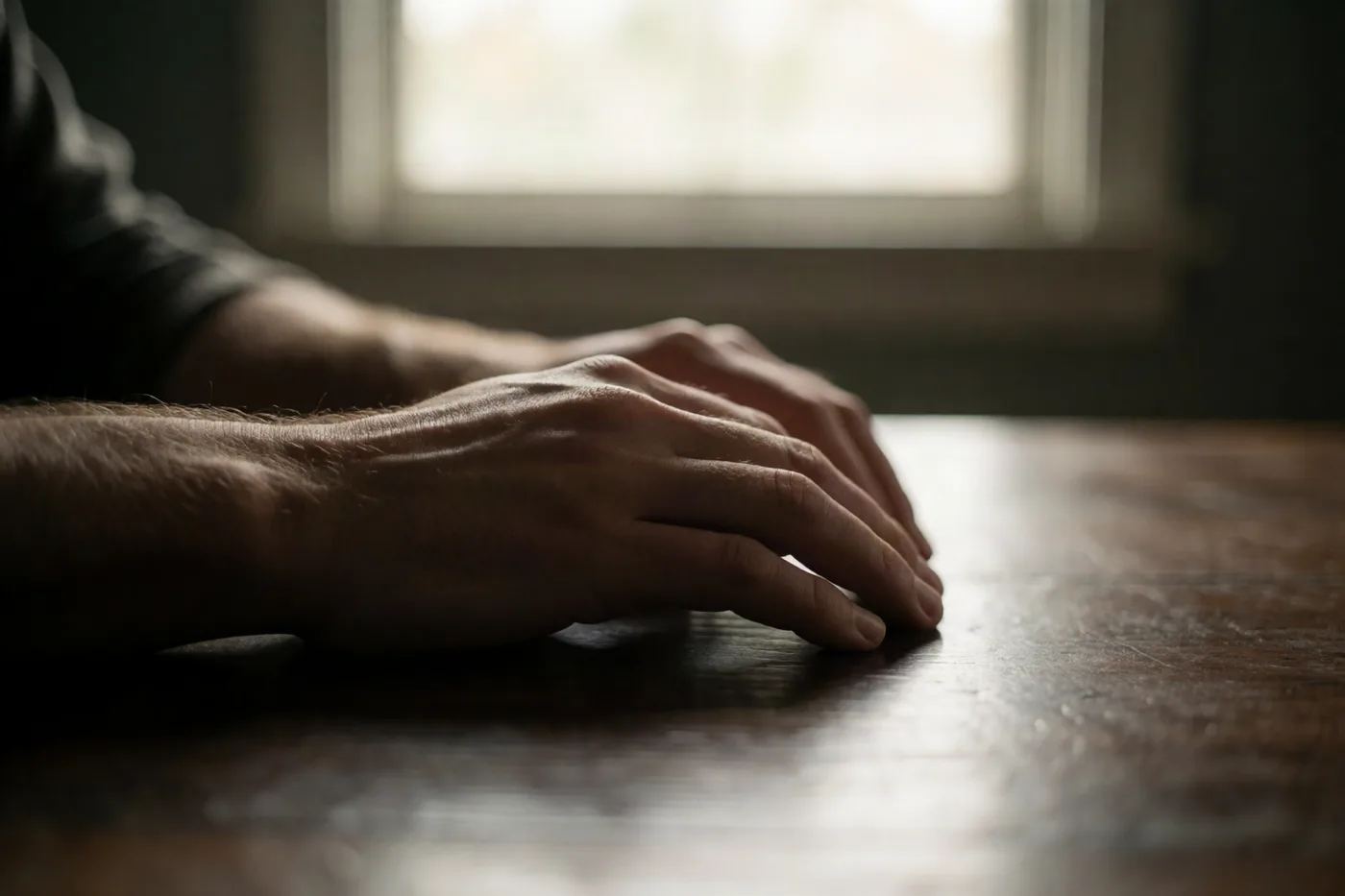
Title burns in. Cut to safelight red.

THE GATE

Optics, drawn line by line

As the pinned section enters, the reel, aperture and waveform draw themselves in — a projector coming to life. In the live build this is stroke-dashoffset keyed to scroll progress.

SCENE LIST · 4 CHAPTERS

Scroll through the cut

  1. 01
    TIMECODE 00:00

    Load the reel

    The page opens on near-black. A hero clip is threaded into a pinned, sticky stage — nothing plays yet, the projector is idle and warm.

  2. 02
    TIMECODE 00:08

    Scroll becomes the crank

    As you scroll, the section stays pinned and the clip is scrubbed frame by frame. Every pixel of scroll advances the film exactly one step.

  3. 03
    TIMECODE 00:16

    Read the gate

    A live frame counter and a scrubbable timeline overlay the canvas, so the visitor always knows exactly where in the cut they are standing.

  4. 04
    TIMECODE 00:24

    Cut to the call

    The reel runs out into a title card and a single invitation — generate your own clip, or reach out. The projector dims back to black.

240
Frames per hero cut
24fps
Projector cadence
0
Stock footage, ever
1
Scroll = the crank
◉ PROJECTOR READY

Generate the clip.

Describe the shot and roll a hero cut for your launch, then let visitors scrub it frame by frame as they scroll.

A slow dolly across matte-black hardware, amber rim light…Generate the clip
Powered by fal.ai · phi-cloud

Design rules

The system, applied to any site

  • Build on a warm near-black canvas (around #0B0A09) and treat the hero as film: a wide 2.40:1 panel layered from dark amber/red-orange radial gradients, a repeating-linear-gradient scanline overlay, a fine grain layer and a heavy inset vignette.
  • Bound every filmstrip top and bottom with a sprocket-hole rail — a row of small dark rounded squares — so panels read as physical film pulled past the gate.
  • Overlay a cinema HUD: a monospace frame counter like "FRAME 148 / 240", a REC dot, an aspect-ratio/fps readout, and a scrubbable timeline with a track, an animated playhead and tick marks beneath the canvas.
  • Set one oversized Space Grotesk display headline (clamp into the 3–7em range) filled with an amber→red-orange clipped gradient, then drop hard to calm Inter body — and keep all timecodes and counters in a system monospace.
  • Use amber (#E9A23B) → red-orange (#E5533C) gradients only as accents (headline fill, buttons, playhead, glows); keep large surfaces matte near-black so the projector light stays warm and luminous.
  • Never use photography or real video in the preview — compose every visual from CSS gradients, sprocket shapes, scanline/grain overlays and inline SVG line art (film reel, aperture, waveform) that can draw itself in.

Ships with

Nav with wordmark + reel statusHero: display headline, 35mm film canvas + frame-scrubber timeline"Scroll = frames" explainer with stepping filmstrip cellsDraw-on SVG line art (film reel / aperture / waveform)Numbered scenes/chapters scroll-narrative with timecodesGenerate-the-clip CTA (fal.ai · phi-cloud) + footer

Design tokens

Palette

bg
surface
text
muted
accent
accent2
border

Headings

Space Grotesk

Body

Inter

Radius

14px

Explore palettes

More from the library

AuroraMarketing
Warm ArtisanMarketing
Sharp FadeBooking
CockpitDashboard

Make it yours in minutes.

Start from this template and describe your tweaks — content, sections, colours. The backend and deploy are handled.