
Atlan’s guide on event-driven architecture for AI agents was updated March 16, 2026, and runs twelve minutes. It treats the pattern as infrastructure, not a feature. That distinction matters because most AI teams I work with treat event-driven design like a magic switch rather than a set of trade-offs.
Event-driven architecture for AI means your models, agents, and tools communicate through events instead of direct requests. It matters because AI workloads are slow, unpredictable, and often need to run independently of the user’s click. You get resilience and scale without chaining every service to every other service.
Key takeaways
- Events decouple your AI services so a slow model doesn’t block your API.
- You still need to manage queues, schemas, and failure handling yourself.
- Event-driven is not the same as event sourcing; don’t confuse the two.
- Use it for multi-step agents and fan-out, not for single-turn chat.
What is an event-driven architecture, and why does it matter for AI?
An event-driven architecture (EDA) is a design where services react to events—records of something that happened—rather than waiting for direct requests. For AI, this matters because inference takes seconds or minutes, not milliseconds. If your chatbot waits for a model to finish before doing anything else, the whole system stalls. Events let the model work in the background while other services keep moving.
I learned this the hard way on a document-summarization tool. The first version called the LLM synchronously inside the HTTP request. Users stared at a loading spinner for twenty seconds. When I moved the summarization to an event, the API returned immediately and a worker processed the document when it was ready. The user experience didn’t change; the architecture underneath did.
How does event-driven architecture work?
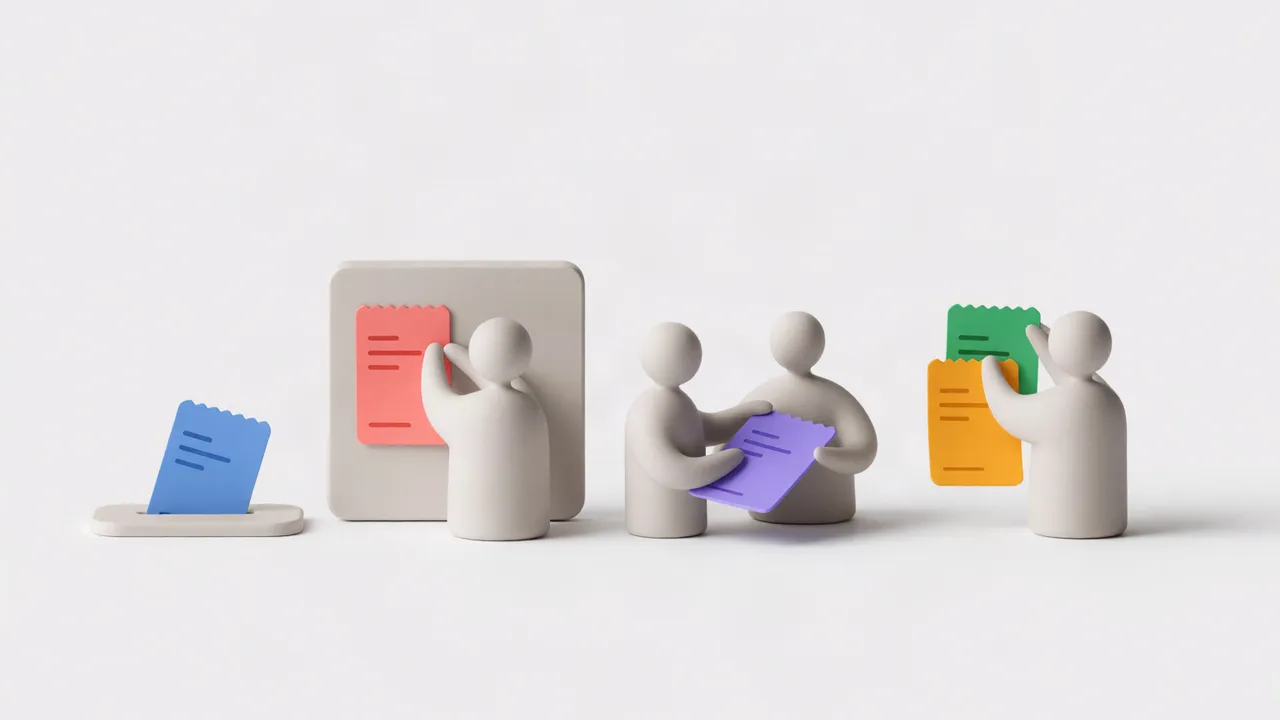
An event is a record of something that happened—like “document uploaded” or “inference completed.” A producer emits it to a router or queue. Consumers subscribe and act on it. Nothing blocks. The sender doesn’t wait for the receiver. This is the core mechanism, and it’s what separates asynchronous AI processing from a synchronous API call.
In practice, the flow looks like this:
- Your app emits an event when a user uploads a file.
- The event router pushes it to a queue or topic.
- An inference consumer picks it up, calls the model, and writes the result.
- A second consumer emits a “summary ready” event that notifies the user.
The producer and consumer never touch each other. They only agree on the event shape.
What are the benefits of event-driven AI?

The main benefits are decoupling, resilience, and cost control. Because services don’t call each other directly, a slow model doesn’t block your API. Failed events can be retried without losing the user’s request. You also only pay for compute when an event actually arrives, which matters for expensive GPU inference.
Confluent’s piece on event-driven AI agents makes the same point: the pattern lets agents react to data as it arrives instead of polling for work. That is the practical difference between a system that feels responsive and one that feels broken.
What are the key components: event sources, routers, and consumers?
You need three things. An event source creates the event (your app, a webhook, a user action). An event router or queue moves it (Kafka, RabbitMQ, AWS SQS, or a serverless bus). An event consumer does the work (your inference service, agent, or notification system). If you remove any one, the flow breaks.
| Component | What it does | Examples |
|---|---|---|
| Event source | Creates the event | Web app, webhook, scheduled job |
| Event router / queue | Buffers and delivers events | AWS SQS, RabbitMQ, Kafka, serverless event bus |
| Event consumer | Processes the event | Inference worker, agent, email service |
I usually start with the simplest queue my cloud provider offers. Adding Kafka on day one is overkill unless you already operate it.
Should you use event sourcing for AI?
Event sourcing stores every state change as a sequence of events. For AI, this is useful when you need to replay what an agent did, but it is not the same as event-driven architecture. I only reach for it when auditability matters more than simplicity. Most AI apps don’t need it.
If you do use it, treat the event log as the source of truth and rebuild read models from it. That is a lot of operational weight for a chatbot that just needs to answer a question.
How does serverless event processing work for AI agents?
Serverless event processing runs your consumer only when an event arrives. For AI agents, this means your inference code isn’t idling on a GPU while waiting for input. The trade-off is cold starts, which can add seconds to the first response. I covered the causes and fixes for that in serverless cold starts in 2026.
For bursty AI workloads, serverless is often cheaper than an always-on worker. For steady traffic, a dedicated container is usually more predictable.
What does coupling look like in event-driven systems?
Coupling is how much one service knows about another. In event-driven systems, services are loosely coupled: the producer doesn’t know who consumes the event. The risk is hidden coupling through event schemas—if you change the event shape, every consumer breaks. I treat the event schema like a database migration: version it, don’t change it in place, and notify consumers before you retire an old version.
How do you build scalable AI workflows with messaging queues?
Scalable AI workflows use queues to buffer bursts. If ten users upload documents at once, the queue holds the events while your inference workers process them at their own pace. This prevents your GPU workers from being overwhelmed.
I pick a queue based on what I need:
- Fire-and-forget notifications: simple queue, no ordering required.
- Ordered document processing: FIFO queue.
- Exactly-once inference: queue with deduplication and idempotent consumers.
How do you handle failures in event-driven AI workflows?
Failures happen. Models time out. Embeddings fail. In an event-driven system, you handle this with dead-letter queues, retries, and idempotent consumers. If a consumer fails three times, the event moves to a dead-letter queue for inspection. I never let a failed inference take down the whole pipeline.
A checklist I use before shipping:
- Consumer handles the same event twice without side effects (idempotency).
- Dead-letter queue is configured and monitored.
- Retry backoff is exponential, not immediate.
- Schema changes are versioned and backward compatible.
When should you choose event-driven for AI?
Choose it when you have multi-step AI jobs, fan-out patterns, or long-running agents. A single LLM call with an instant answer doesn’t need events. A research agent that searches, reads, summarizes, and emails does. I also choose it when different teams own different steps.
| Scenario | Use event-driven? | Why |
|---|---|---|
| Single-turn chat | No | Direct request-response is simpler and faster |
| Multi-agent research pipeline | Yes | Each step is independent and slow |
| Real-time fraud scoring | Maybe | Depends on latency budget; events add overhead |
| Batch document ingestion | Yes | Queue buffers the burst and workers process steadily |
What doesn't event-driven architecture solve?
It doesn’t make your model faster, and it doesn’t fix bad prompts. It adds operational complexity: you now manage queues, schemas, and consumer state. Debugging is harder because you can’t just read a stack trace across services. I only add it when the complexity is justified.
If your problem is inference latency, look at your model and hardware first. If your problem is orchestration, event-driven might help.
How do you integrate event-driven workflows with your existing AI stack?
You connect your event router to your existing inference endpoints, vector databases, and agent frameworks. The consumer calls your model API, writes results to your database, and emits the next event. It is glue, not a replacement for your model or your RAG pipeline.
For observability, I trace events the same way I trace requests. If you’re already using an observability tool for LLM cost and latency, extend it to your event consumers so you can see where a workflow stalled. I’ve written about LLM observability in production, and the same principles apply to event consumers.
If you’re evaluating whether event-driven design fits your stack, I’d start by mapping your current AI workflow and marking which steps are synchronous and blocking. From there, it’s usually obvious which ones should become events.
If you want help designing or reviewing your AI architecture, you can reach out through code-anything.com.
FAQ
How does event-driven architecture work?
An event source emits a record of something that happened, an event router delivers it, and a consumer acts on it without the producer waiting. This makes AI workflows asynchronous and resilient.
What are the benefits of event-driven AI?
Decoupling between services, resilience through retries and dead-letter queues, and cost control because compute only runs when events arrive.
What is event sourcing for AI?
Event sourcing stores every state change as a sequence of events so you can replay agent actions. It is different from event-driven architecture and adds operational complexity.
What is serverless event processing?
It runs your event consumer only when an event arrives, so you don’t pay for idle GPU time. The downside is cold starts on the first request.
What does coupling mean in event-driven systems?
It describes how much one service knows about another. Event-driven systems aim for loose coupling, but event schemas can create hidden coupling if they change without notice.
How do you build scalable AI workflows?
Use messaging queues to buffer bursts so inference workers process events at their own pace instead of being overwhelmed by simultaneous requests.
What messaging queues are used for AI agents?
Common options include AWS SQS, RabbitMQ, Kafka, and serverless event buses, chosen based on ordering, delivery guarantees, and throughput needs.